Email by YCorp
A fast, keyboard-first email client for Mac and Linux. Your mail stays on your computer, and search is instant.
Open source · Mac (Apple Silicon) and Linux
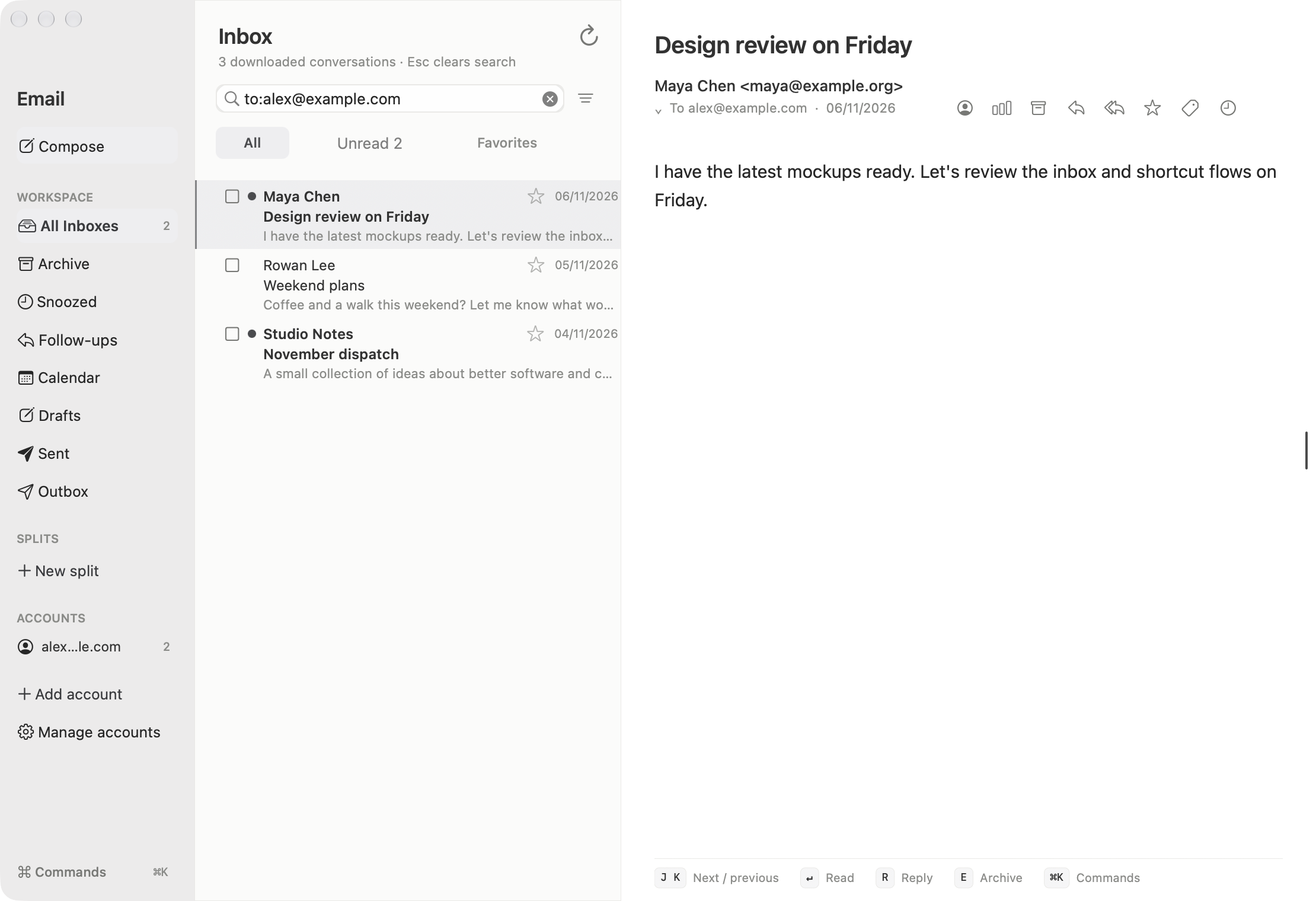
Keyboard controls
Navigate, reply and archive from the keyboard.
Multiple accounts
Combine accounts or keep separate inboxes.
Conversations
Threaded mail with inline replies, attachments, snippets and signatures.
Local search
Filter by sender, date, label or attachment. Save searches as custom inboxes.
from:kenji has:attachmentSnooze & follow-up
Snooze a thread or set a reminder if nobody replies.
Scheduled send
Schedule a draft for later, or undo a queued send.
Filters
Cold pitches, promotions and newsletters sort themselves. A small model on your computer reads mail from strangers and puts it where it belongs.
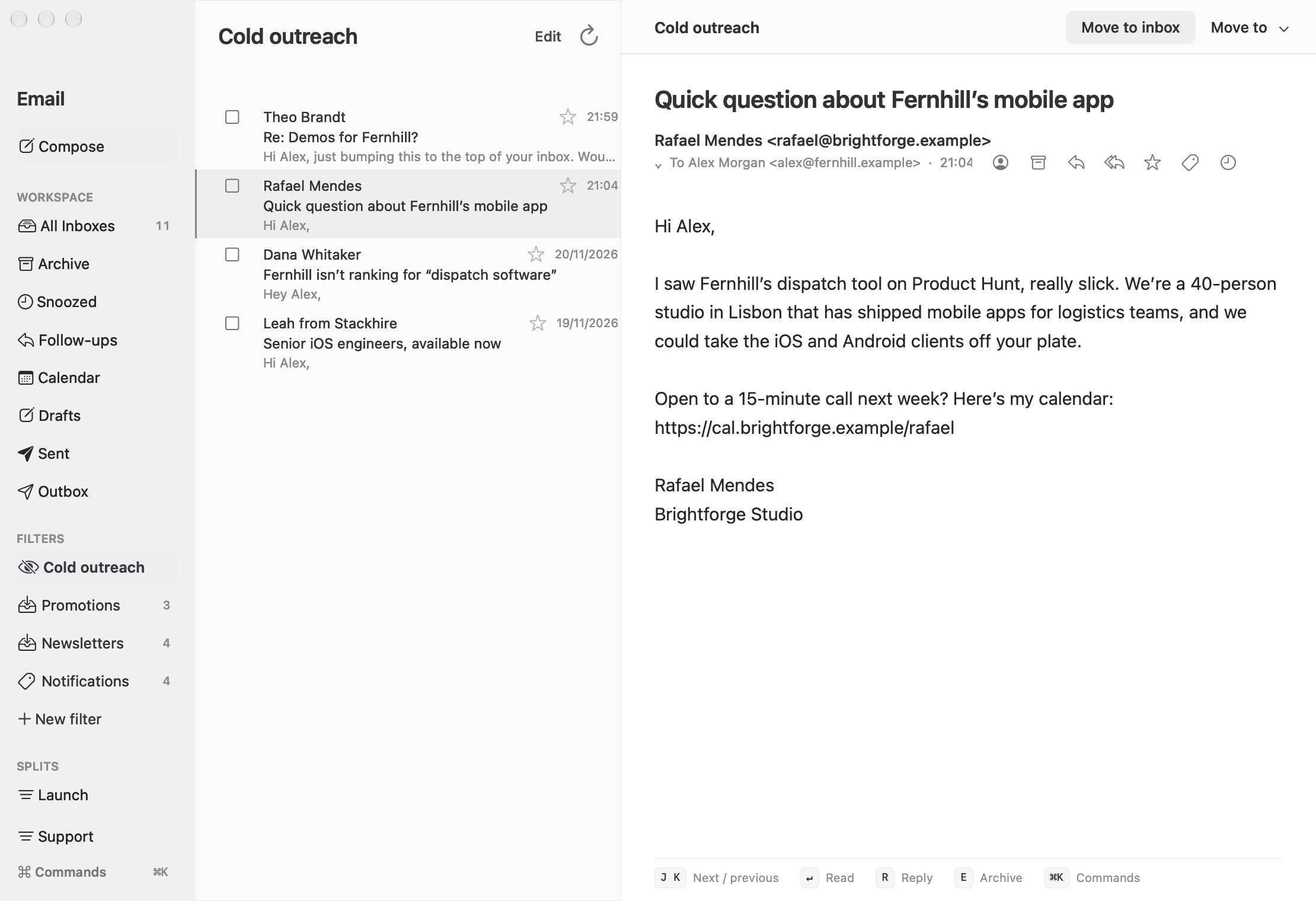
People first
Mail from people you’ve written to never reaches the model, and anything it isn’t sure about stays in the inbox.
Your own filters
Describe a filter in a sentence, like “Media requests from reporters”, and it sorts by that.
On your computer
A 157 MB model sorts an email in a fraction of a second, without sending your mail anywhere.
Open model
The sorter is open source under the MIT license. Email sorter on Hugging Face ↗
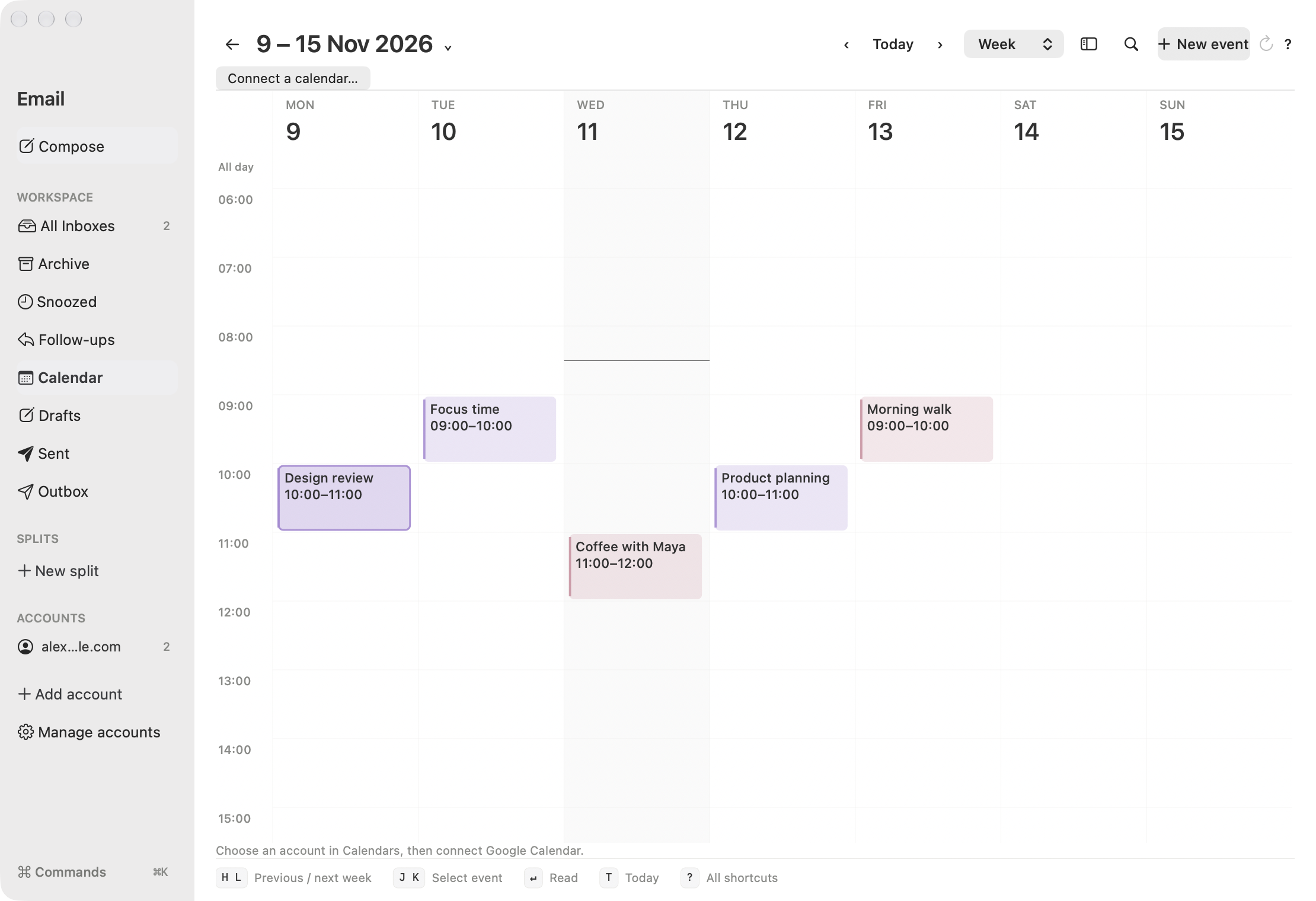
Calendar
Google Calendar, invitations and events alongside your mail.
Local MCP
Connect Claude Code or Codex to your mail and calendar.
Strengths & limits
- Email client
- Free
Strengths
- Keyboard-driven desktop workflow.
- Local mail search.
- Per-account agent permissions.
Current limits
- No iPhone, Android, Windows or web mail client.
- The Mac beta runs on Apple Silicon only for now.
- Gmail first. Other providers are still being tested.
- Google Calendar only.
- Filters can leave some pitches in the inbox.
How do I connect an agent?
Use the local MCP command-line setup, then allow agent access for each account in Email. Read access is the default; write access needs separate grants.
Where does my mail live?
Mail stays in a local cache, and credentials are kept in your system’s credential store. The cache relies on your disk encryption. Security and data flow ↗
What happens when I’m offline?
You can read and search downloaded mail offline. Sending needs an internet connection and an awake computer.
What about remote images?
Remote images are off by default. Load them for one message or turn them on for all mail. Scripts in messages do not run.
Can I use Scheduling without the mail app?
Yes. Scheduling works in the browser. Explore Scheduling ↗
Try the beta
Mac (Apple Silicon) and Linux. Open source.